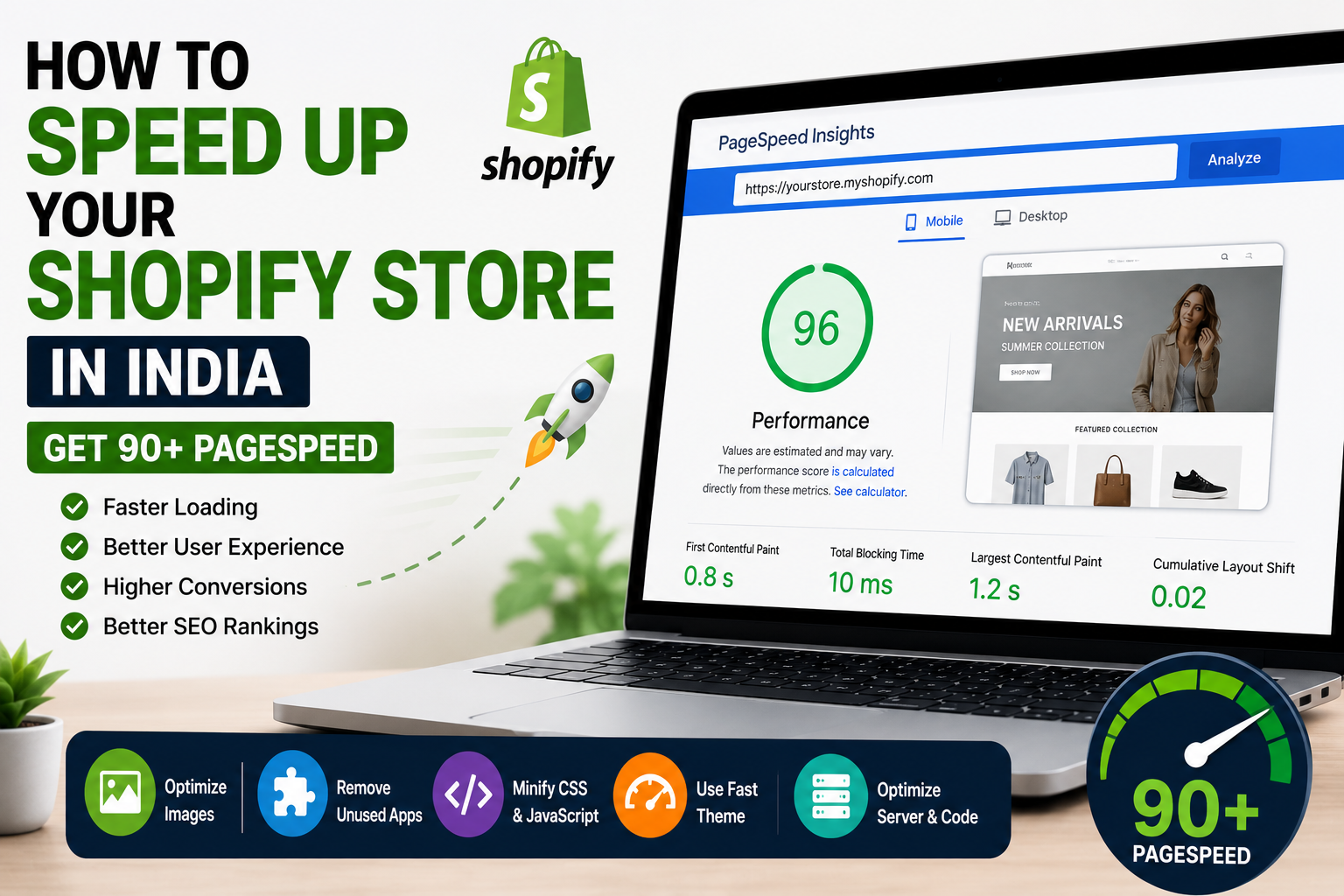

Website speed has become one of the most important factors for ecommerce success in India. If your Shopify store loads slowly, visitors often leave before browsing products, which can reduce sales and affect search engine rankings. In 2026, speed optimization is no longer optional — it is essential for user experience, SEO, and conversion growth.
Many store owners in India struggle with slow loading pages due to heavy themes, unoptimized images, too many apps, and poorly written custom code. The good news is that improving your Shopify speed is possible with the right strategy.
This guide explains how to speed up your Shopify store in India, improve Core Web Vitals, and achieve a 90+ score on Google PageSpeed Insights.
Why Shopify Speed Matters
A faster store improves customer experience and directly affects revenue. Studies show that even a one-second delay can reduce conversions.
- Improves user experience
- Reduces bounce rate
- Increases sales
- Helps SEO rankings
- Improves mobile performance
- Enhances trust
Common Reasons Shopify Stores Become Slow
Many Indian ecommerce websites face performance issues due to avoidable mistakes.
- Heavy themes
- Large image sizes
- Too many third-party apps
- Unused JavaScript
- Poor liquid code structure
- External scripts
- Large sliders and videos
1. Optimize Images Properly
Images are often the biggest reason for slow Shopify stores. Product images, banners, and collections should always be compressed before uploading.
- Use WebP format
- Compress images
- Avoid oversized banners
- Use lazy loading
- Resize according to theme dimensions
This alone can significantly improve PageSpeed scores.
2. Remove Unnecessary Apps
Every app installed on Shopify can add scripts that slow down your store.
Many businesses install too many apps and forget to remove unused ones.
- Delete unused apps
- Remove leftover app code
- Audit third-party scripts
- Use lightweight alternatives
3. Use a Lightweight Theme
Some themes are overloaded with animations and scripts.
Fast themes generally perform better.
- Choose optimized themes
- Avoid bloated demos
- Use custom-coded sections carefully
4. Minify CSS and JavaScript
Unused code increases load time.
- Minify CSS files
- Minify JS files
- Remove unused code
- Load scripts conditionally
5. Optimize Fonts
Too many custom fonts can slow the site.
- Use system fonts when possible
- Limit font weights
- Preload important fonts
6. Improve Core Web Vitals
Google measures website speed using Core Web Vitals.
- LCP (Largest Contentful Paint)
- CLS (Cumulative Layout Shift)
- INP (Interaction to Next Paint)
Improving these metrics helps achieve 90+ PageSpeed.
7. Reduce Third-Party Scripts
External tools like chat widgets, trackers, and popups slow stores.
- Limit external apps
- Use async loading
- Remove duplicate trackers
8. Use Professional Speed Optimization
Many businesses hire experts to optimize their Shopify store professionally.
Professional optimization may include:
- Code cleanup
- Theme optimization
- App script removal
- Image optimization
- Lazy loading setup
- PageSpeed audit
Real-World Context: Reaching a Mobile PageSpeed of 90 on a Fashion Store
Most of the steps above came up together on a high-end fashion Shopify store in Jaipur. The job reached us through a white-label agency partnership, and the strict NDA on it means the client’s name, URL and screenshots stay private. The engineering is what we can talk about.
The store carried heavy image and video assets plus scripts from multiple third-party apps. Too much JavaScript reached the browser, Core Web Vitals were weak and shoppers felt friction on the way through. Load time was approximately 6.8 seconds.
Rohit Sharma, our CTO, audited the theme assets and third-party scripts first. The work that followed covered:
- Removing generic Shopify apps the store did not need
- Rebuilding the functionality it did need in Custom Liquid
- Cleaning and minifying JavaScript
- Optimizing heavy images, with Cloudflare Workers handling image optimization
Load time came down to approximately 3 seconds and mobile PageSpeed reached 90.
If you are chasing that score, the useful lesson is this: do not load a whole third-party app on every visitor’s browser when only a small part of it is needed. Some apps are worth keeping, so profile the store before you delete anything.
Expected Shopify Speed Optimization Cost in India
- Basic optimization: ₹5,000 – ₹10,000
- Advanced optimization: ₹10,000 – ₹25,000
- Custom theme optimization: ₹20,000+
How Long Does Shopify Speed Optimization Take?
- Basic store: 1–3 days
- Medium store: 3–7 days
- Complex store: 1–2 weeks
Questions People Ask in Alwar
1. Can Shopify get 90+ PageSpeed in India?
Yes, many Shopify stores can achieve 90+ scores with proper optimization.
2. Why is my Shopify store slow?
Common reasons include heavy themes, images, apps, and unoptimized code.
3. Does speed affect SEO?
Yes, website speed is an important ranking factor for Google.
4. Is mobile speed more important?
Yes, most Indian users shop from mobile devices, so mobile speed matters greatly.
5. Can businesses in Alwar hire Shopify speed experts?
Yes, businesses in Alwar can work with Shopify experts remotely for store speed optimization.
Final Thoughts
Improving Shopify speed is one of the best investments for ecommerce businesses in India. A fast store improves SEO, user experience, and conversions.
If your goal is to achieve 90+ PageSpeed, focus on image optimization, app cleanup, code optimization, and Core Web Vitals improvements. With the right approach, your store can perform significantly better in 2026.
