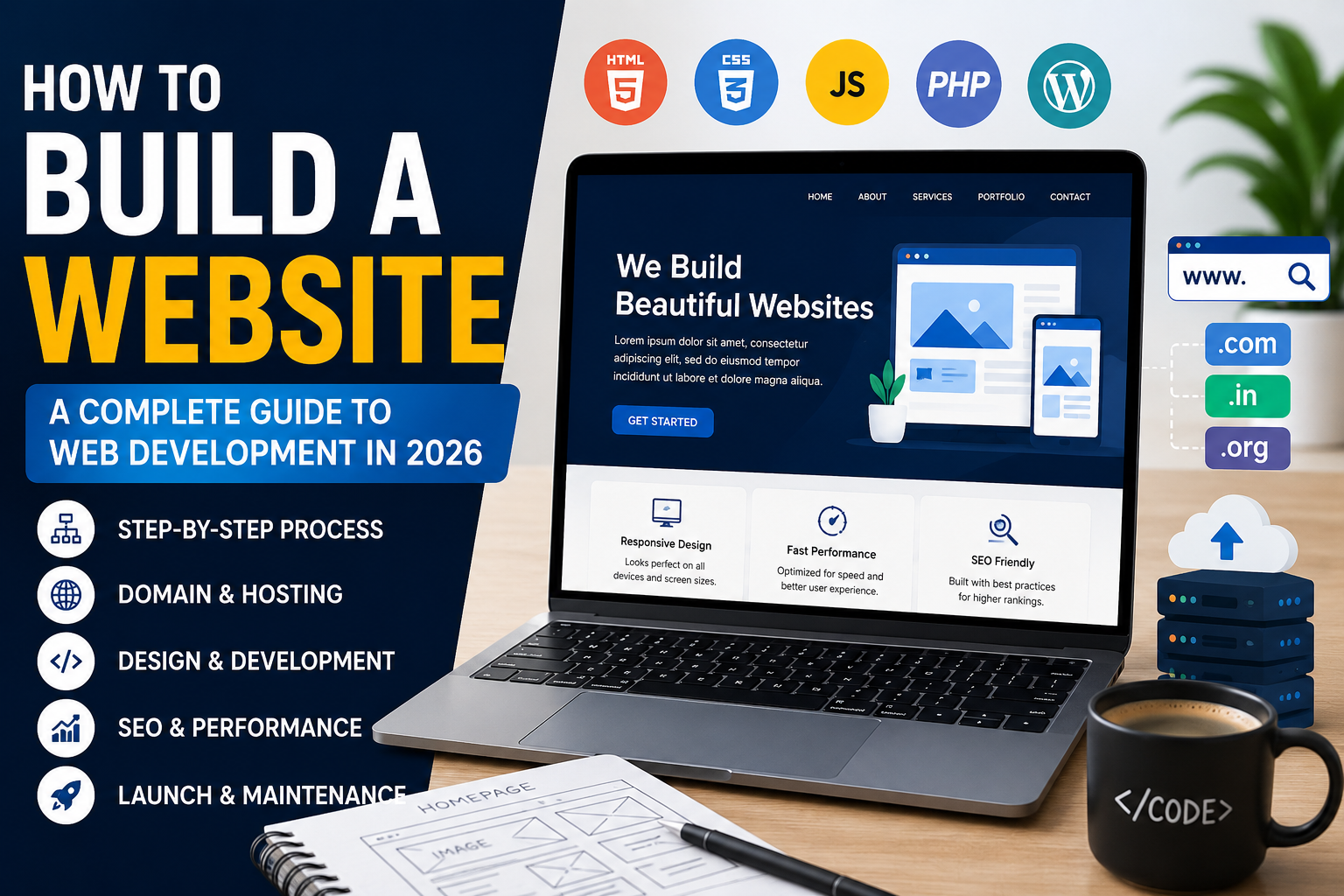

Building a website isn’t just about writing some HTML, connecting a domain, and hitting publish. A serious business website needs a proper plan.
You need to decide what the website is supposed to achieve, who is going to use it, which platform makes sense, how the interface should work, what happens behind the scenes, how fast the pages load, how search engines understand the website, and how the site will be maintained after launch.
A typical website development process looks like this:
Planning → Domain → Hosting → Platform → Design → Development → Content → SEO → Testing → Launch → Maintenance
Depending on the project, a website can be built using WordPress, Shopify, a website builder, or custom technologies such as HTML, CSS, JavaScript, PHP, React, and other modern frameworks.
What Is Web Development?
Web development is the process of creating, developing, testing, launching, and maintaining websites and web applications.
That could mean a simple business website, a Shopify ecommerce store, a WordPress website, or a complex web application with APIs, databases, authentication, payment processing, and custom business logic.
Web development generally has two major areas:
- Front-end development: The part users see and interact with in their browser.
- Back-end development: The server-side systems, databases, APIs, and business logic that make the website work.
HTML provides the structure of a webpage, CSS controls its appearance, and JavaScript adds interaction and dynamic behaviour.
1. How Do You Build a Website?
The first step isn’t choosing a theme or writing code. It’s deciding what the website actually needs to achieve.
For a business website, the requirements may include:
- Home page
- About page
- Services page
- Contact page
- Lead-generation forms
- Testimonials
- Blog
- Google Maps integration
An ecommerce website usually requires more functionality, such as:
- Product pages
- Collection pages
- Shopping cart
- Checkout
- Payment gateways
- Customer accounts
- Order management
- Inventory management
- Shipping and tax configuration
A simple website development process is:
Planning → Domain → Hosting → Platform → Design → Development → Content → SEO → Testing → Launch
Planning the website before writing code helps determine its content, structure, design, functionality, and conversion goals.
2. What Do You Need to Create a Website?
A professional website normally requires several important components.
Domain Name
A domain is the website’s address, such as example.com. It gives visitors a memorable way to reach your website.
Web Hosting
Web hosting provides the server infrastructure where website files, databases, and other resources are stored and delivered to visitors.
Website Platform
Depending on the project, you can use:
- WordPress
- Shopify
- Wix
- Custom HTML, CSS, and JavaScript
- PHP
- React
- Other modern frameworks
A CMS such as WordPress can make website management easier because users can create and update content without manually editing every piece of code.
3. How Does Website Development Work?
Website development usually starts with planning and moves through design, coding, testing, and deployment.
Step 1: Plan the Website
Before development begins, define:
- Website purpose
- Target audience
- Required pages
- Features
- Content requirements
- Design style
- Conversion goals
Step 2: Choose the Technology
A portfolio website may need only HTML, CSS, and JavaScript, while a business website might use WordPress. An ecommerce business may choose Shopify or a custom ecommerce solution.
The technology should be selected according to the project’s actual requirements instead of simply choosing whatever framework is currently popular.
Step 3: Create the Design
Developers and designers create the website layout, navigation, typography, images, buttons, forms, product sections, and other interface elements.
Step 4: Develop the Website
The design is converted into a functional website using the selected technologies.
This is where frontend architecture, backend logic, API integrations, database structure, theme development, and custom functionality come together.
Step 5: Add Content
Text, images, videos, products, contact details, pricing, and other information are added to the website.
Step 6: Test and Launch
The website is tested across devices and browsers before being published online.
4. What Is Front-End Development?
Front-end development focuses on everything a visitor sees and interacts with in a browser.
Common technologies include:
- HTML: Structures the content.
- CSS: Controls layout, typography, spacing, colours, and visual presentation.
- JavaScript: Adds interactive functionality and dynamic behaviour.
Menus, sliders, form validation, animations, filters, product interactions, and other interactive components can use JavaScript.
A good front end should be responsive, accessible, easy to navigate, and optimized for different screen sizes.
For projects that require highly interactive visual experiences, a 3D Web Developer may also use technologies such as WebGL or React-based 3D libraries.
But 3D should have a purpose. Adding heavy 3D animations simply because they look impressive can hurt loading performance, especially on mobile devices.
5. What Is Back-End Development?
Back-end development handles the technology working behind the website.
It can include:
- Server-side programming
- Databases
- User authentication
- APIs
- Payment processing
- Form processing
- Business logic
- Admin systems
For example, when a customer places an order on an ecommerce website, the back end can process the order, communicate with the database, handle the required business logic, and provide the required information to the front end.
The browser acts as a client, while the server stores and delivers website resources when requested.
6. WordPress, Shopify or Custom Development: Which Is Better?
There is no single technology that is best for every website.
- Business Website: WordPress
- Blog: WordPress
- Ecommerce Store: Shopify
- Portfolio: WordPress or Custom Development
- Simple Landing Page: HTML/CSS/JavaScript or CMS
- Complex Web Application: Custom Development
- Highly Customized System: Custom Development
WordPress is useful when a business needs flexible content management.
Shopify is designed specifically around ecommerce and online selling.
Custom development provides greater control over functionality and architecture, but it also requires more development expertise and ongoing maintenance.
The right choice depends on budget, functionality, scalability, maintenance requirements, and technical needs.
For Shopify stores, custom development can also reduce unnecessary dependency on third-party apps. A developer can sometimes reproduce a required feature directly inside the theme using Custom Liquid, JavaScript, and CSS.
Real-World Context: Optimizing a High-End Shopify Fashion Store
Some of the ecommerce work we handle is performed through white-label agency partnerships under strict NDAs. Because of that, client names, logos, URLs, screenshots, and identifying information cannot be published.
One recent project involved a high-end fashion ecommerce brand in Jaipur.
The technical problem was familiar: the Shopify store had become heavy due to large media assets and unnecessary third-party app scripts.
The initial load time was around 6.8 seconds, while the mobile PageSpeed score was also struggling.
The problem wasn’t simply a bad image or one slow section. The frontend had accumulated unnecessary overhead.
The optimization approach focused on removing that overhead instead of adding another layer of optimization tools.
What Was Changed?
- Removed unnecessary generic Shopify apps.
- Rebuilt required functionality using Custom Liquid.
- Cleaned and minified JavaScript.
- Optimized heavy image assets.
- Used Cloudflare Workers for image optimization.
- Reduced unnecessary frontend processing.
The important part was not one magic trick.
It was identifying what the browser actually needed and removing everything that wasn’t necessary.
The reported results were:
- Load time: approximately 6.8 seconds → approximately 3 seconds
- Mobile PageSpeed: reached 90
This is one reason technical Shopify development matters.
Installing another app is easy.
Understanding whether that app is creating unnecessary JavaScript, network requests, rendering work, or theme overhead is the actual engineering problem.
Because this was an NDA-protected engagement, the project is intentionally presented without the client’s name, store URL, logo, or private implementation details.
7. How Do You Make a Website Mobile-Friendly?
A modern website should work properly on smartphones, tablets, laptops, and desktops.
Responsive web design allows the layout and content to adapt to different screen sizes.
Important mobile optimization practices include:
- Use responsive layouts.
- Make buttons easy to tap.
- Keep text readable.
- Optimize images.
- Avoid unnecessary pop-ups.
- Test navigation on mobile.
- Improve loading performance.
- Test real user journeys instead of checking only individual sections.
Mobile optimization isn’t simply about making a desktop design smaller.
Navigation, content hierarchy, image sizes, interactions, and even certain components may need to behave differently on smaller screens.
8. How Do You Make a Website SEO-Friendly?
SEO should be considered during development rather than added only after the website is finished.
Important technical and on-page elements include:
- Search-friendly URLs
- Proper heading structure
- Descriptive page titles
- Meta descriptions
- Internal links
- Image alt text
- XML sitemap
- Robots.txt
- Canonical URLs
- Fast loading pages
- Mobile responsiveness
- HTTPS security
- Useful, original content
A technically strong website gives search engines clearer information about its pages and provides visitors with a better experience.
SEO also needs to be considered at the architecture level. Clean URLs, crawlable navigation, sensible internal linking, proper headings, optimized media, and fast pages are easier to maintain when they’re planned from the beginning.
9. How Do You Test a Website Before Launching?
Testing helps identify problems before visitors encounter them.
A website should be checked for:
- Broken links
- Incorrect buttons
- Contact form errors
- Mobile layout issues
- Browser compatibility
- Page speed
- Image quality
- Security configuration
- Navigation problems
- Missing SEO elements
- Incorrect redirects
Testing should be performed on multiple browsers and screen sizes.
It is also useful to test the complete user journey.
For example, on an ecommerce website, don’t just test whether the product page loads. Test the complete journey:
Product → Add to Cart → Cart → Checkout → Payment → Order Confirmation
That’s where real bugs tend to show up.
10. How Do You Launch and Maintain a Website?
After development and testing are complete, the website files and database are deployed to the hosting environment where applicable.
The domain is connected, HTTPS is configured, and the live website is tested again.
But launching a website isn’t the final step.
Regular maintenance may include:
- Updating software and plugins
- Creating backups
- Monitoring security
- Fixing broken links
- Improving website speed
- Updating content
- Checking search performance
- Monitoring forms and conversions
- Adding new features
A website should be treated as an ongoing digital asset rather than a one-time project.
What Actually Makes a Website Good?
A good website isn’t necessarily the one with the most animations or the newest framework.
It should solve the actual business problem without creating unnecessary technical problems.
For a local service business, that could mean fast pages, strong local SEO, clear service pages, and simple lead-generation forms.
For ecommerce, it could mean fast product pages, clean navigation, reliable checkout, strong merchandising, and solid technical SEO.
For a portfolio, it could mean clear positioning, strong project proof, smooth interactions, and memorable visual design.
For a complex web application, architecture, APIs, database performance, security, and maintainability become much more important.
The technology should follow the requirement.
Not the other way around.
Conclusion
Website development is more than simply writing code.
It combines planning, design, front-end development, back-end functionality, content, SEO, performance, security, testing, and ongoing maintenance.
Whether you are creating a personal portfolio, business website, ecommerce store, or custom web application, the best approach is to start with a clear goal and then select the technology that matches your requirements.
You might need WordPress.
You might need Shopify.
You might need custom PHP.
You might need React.
Or you might need a more specialized solution involving a 3D Web Developer or custom Shopify theme development.
The important part is understanding the problem before choosing the technology.
A Note About Our NDA Projects
Some of the ecommerce and development work handled by Freelancing Marval is delivered through agency partnerships under strict NDAs.
Because of those agreements, we cannot publish client names, store URLs, logos, screenshots, dashboards, or private implementation details.
What we can share are the engineering problems, the technical approach, and measurable results where disclosure is permitted.
The Jaipur fashion ecommerce example above is one such case.
The client remains anonymous. The engineering experience doesn’t.
If you’re dealing with a slow Shopify store, bloated WordPress installation, custom development requirement, or a website that has outgrown its current setup, Freelancing Marval can help identify the underlying technical problem and build a solution around the actual requirements.
Frequently Asked Questions About Website Development
How much does it cost to build a website?
The cost depends on the website type, number of pages, design requirements, functionality, platform, integrations, and level of customization.
A basic website is generally less expensive than an ecommerce store or custom web application.
How long does it take to build a website?
A simple website may take several days to a few weeks, while a larger ecommerce website or custom web application can require considerably more time.
The timeline depends on the scope, availability of content and design assets, integrations, and revision requirements.
Can I create a website without coding?
Yes. Platforms such as WordPress, Shopify, and other website builders allow people to create websites without writing all the code themselves.
However, custom functionality often requires development knowledge.
Which is better for a business website: WordPress or Shopify?
WordPress is often suitable for content-focused business websites, while Shopify is particularly useful for businesses that primarily need ecommerce functionality.
The right option depends on the business model, required features, budget, scalability, and technical requirements.
Is SEO included in website development?
Basic technical SEO can be included during development.
Ongoing SEO usually involves additional work such as content creation, keyword research, technical monitoring, internal linking, authority building, and continuous optimization.
What makes a website successful?
A successful website should have a clear purpose, useful content, professional design, good performance, mobile responsiveness, strong security, simple navigation, reliable functionality, and clear conversion paths.
